
Free Image Optimizer Online
A free online image optimizer that compresses JPEG and PNG images directly in your browser. Reduce image file sizes by up to 99% while maintaining visual quality. Adjust quality, compression level, resize dimensions, strip EXIF data, and convert PNG to JPEG. Upload multiple images, review detailed stats for each file, and download individually or as a ZIP. Built with Rust and WebAssembly for fast, private processing.
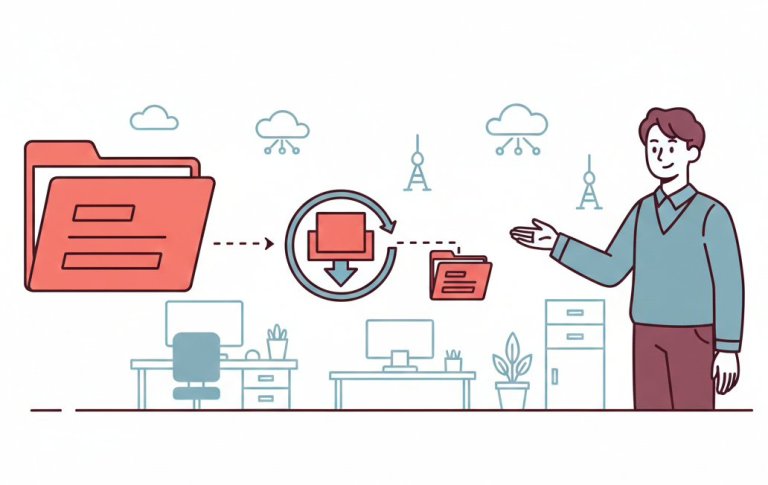
Compress & Optimize JPEG and PNG Images Instantly
How to Optimize Images in 3 Steps
1. Upload Your Images
Drop your JPEG or PNG images into the tool or click to browse, which supports multiple files at once.
2. Adjust Settings
Fine-tune JPEG quality, PNG compression level, enable auto mode for best results, resize if needed, and toggle EXIF stripping on or off.
3. Download Optimized Images
Download your compressed images instantly with reduced file sizes and preserved visual quality.
Why Use Our Free Image Optimizer?
The fastest way to compress JPEG and PNG images online without losing quality.
Lightning Fast
Optimize your images in seconds using Rust and WebAssembly. Everything runs locally in your browser without delays.
100% Free
No hidden fees, no subscription required. Optimize as many images as you need, completely free.
True Privacy — Nothing Leaves Your Browser
Your images are never uploaded to any server. All processing happens locally in your browser using WebAssembly, so your files stay entirely on your device.
Full Control Over Compression
Adjust JPEG quality, PNG compression level, and effort. Use auto mode to find the best balance, or fine-tune settings manually.
Resize & Strip EXIF
Resize images to a maximum dimension and strip EXIF metadata to reduce file size further and remove location or camera data.
Works on Any Device
Fully browser-based, works on desktop, tablet, and mobile.
Build Document Automation That Scales With APITemplate
APITemplate is an API-first platform that generates professional PDFs and images at scale from reusable templates, raw HTML, or URLs. Integrate via REST API, SDKs, or no-code tools like Zapier, Make, and n8n. Still comparing providers? Our alternatives and comparisons show how APITemplate stacks up.
Create Document Templates with Visual Editor
Create stunning PDFs using our WYSIWYG Template Editor. With its user-friendly interface, you can design templates visually — no coding required.
Combine your designs with JSON data to generate dynamic, fully-customized PDFs tailored to your needs. Perfect for invoices, reports, certificates, and more. Most teams start with invoice automation from one reusable template.

Convert HTML to PDF
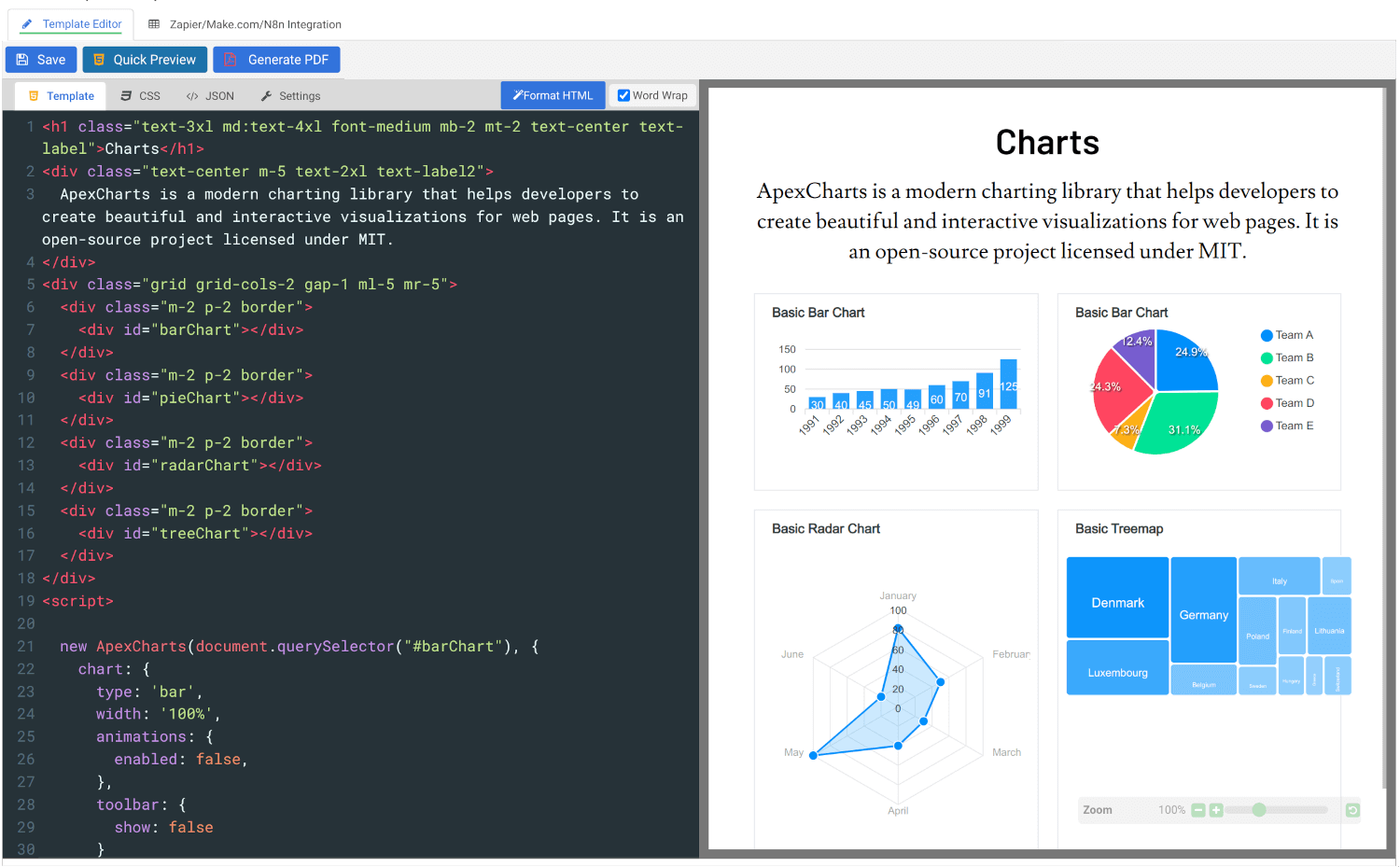
Convert HTML to PDF using APITemplate.io’s powerful HTML Template Editor. Combine your HTML, CSS, and JavaScript skills with dynamic JSON data to create custom templates that deliver pixel-perfect PDFs.
Our PDF generation solution supports modern web technologies, enabling seamless integration for your automated workflows, reports, and more.
Customer Reviews
Trusted by businesses worldwide to generate millions of PDFs and images reliably. See what our customers have to say.
 Jamie DearFounder
We are very grateful to Jacky and the team at APITemplate - their software has helped us to auto-generate high quality images for our student reports. It has been the perfect fit for us as we grow our Oxford summer school.
 Alex DowdingVice Secretary
The Wheelchair Football Association
We've successfully automated YouTube thumbnails and match event creation for our Powerchair Football league using your templates. It integrates with our Postgres database on retool.com, is expanding to include league table graphics and match results. Thanks to an AWS Inclusion and Diversity grant, we're enhancing our live-streaming workflow, further boosted by your product's automation capabilities. We're grateful for your excellent service and wanted to share our positive experience.
 Nishitha DhanekulaCofounder /CTO
At askreferral.io, We are building referral networking platform for people to pitch and generate leads for different kinds of referrals, including, but not limited to job referrals, product referrals, funding referrals, realtor referrals etc. Having a vibrant social media community is crucial for our growth and APITemplate.io played crucial role in automating generation of digital posters for job postings, profile pitches, funding requests etc, to help us grow from 0 to 200K+ followers in LinkedIn in less than one year.
 Danaé NicolasCTO
We've been using APITemplate.io to generate social images for our karting races and it's been a huge time-saver. The support team is super responsive and helpful - they quickly resolved an issue we encountered. We highly recommend this tool to anyone who needs a similar solution.
 Ryan TurnbullIT Manager
APITemplate.io is such an easy application to use. Simple, intuititive, and code free. At simplehuman, we render all our commercial invoices, dispatch notes, and multiple other templates. The ability to create multiple layouts, and group them into a logical container - makes our lives much simpler. This is a great tool to use, both affordable, and the support service turnaround time is second to none! Defintely worth the subscription!
 Ron P.Product Manager
Had an issue with template implementation via Make and reached out for support. Within minutes, I got a response and was soon on a Zoom call resolving it. Despite the issue not being directly related to APITemplate.io, their team efficiently guided me to the right formatting. Many thanks!
 Nicholas GertzProduct Owner
We have been using the service daily in our application for a year and are very satisfied with the reliability. It meets all our requirements and requests for changes/improvements can be discussed directly with Jacky 1:1. Thanks and greetings from Germany
 Lucas FridmanChief Product Officer
We use APITemplate to generate key documentation we need to work with our industry partners. We are building a digital solution in an antiquated industry, which means we need to communicate data to our partners in the format that they are accustomed to (pdf forms). APITempate makes it easy for us to do this!
 Jean-Paul HornPublisher
We love APITemplate.io for its simplicity and ease of use. Just setup once and "forget" about it due to its fabulous 3rd party integration. New features are regularly added, and reasonable custom requests are honoured within days.
 Kevin Frickē
APITemplate.io is one of the best services I have worked with in a very, very long time. They are super responsive and a joy to work with. If you are struggling with PDF's, like I was, check 'em out!
 Jacob MonashAutomation Specialist
We run conferences with a number of speakers, each requiring an individual speaker profile. We used to create all of these profiles manually, but by incorporating APItemplate into our Zapier workflow, our team can generate a complete image with all of the speakers information in one click. Using the template editor is a bit of a learning curve, but the support team is very responsive and helpful.
 George Cooper
APITemplate.io is great. I love being able to quickly use HTML and CSS templates with dynamic variables to create documents. Support is also fast and responsive. Great vendor!
Frequently asked questions
What is an image optimizer?
An image optimizer is a free online tool that compresses JPEG and PNG images to reduce file size while maintaining visual quality. This tool runs entirely in your browser; your images are never uploaded to any server.
What image formats does this tool support?
The tool supports JPEG and PNG formats. You can also convert PNG images to JPEG using the built-in PNG → JPEG toggle if you need smaller file sizes for photos.
How much can this tool reduce my image file size?
Depending on the image, file sizes can be reduced by up to 98–99%. For example, a 4.46 MB PNG can be compressed down to under 60 KB. Results vary based on the original image content and your quality settings.
What does the “Auto” mode do?
For JPEG, Auto mode finds the best quality setting within your compression limit so you get the smallest file without visible quality loss. For PNG, it automatically picks the best palette or RGB format for each image.
Can I optimize multiple images at once?
Yes. Upload multiple JPEG and PNG files at once. The tool processes each file individually and shows detailed results, including dimensions, color count, processing time, original file size, compressed file size, and percentage reduction. You can download images individually or all at once as a ZIP.
Can I resize images while optimizing?
Yes. Toggle the Resize option and set a maximum width and height. Images larger than your specified dimensions will be scaled down proportionally. Smaller images are left unchanged.
What does “Strip EXIF” mean?
EXIF data is metadata embedded in images by cameras and phones. It can include location, camera model, date, and other information. Stripping it reduces file size and removes potentially sensitive data like GPS coordinates.
Will optimizing reduce the visible quality of my images?
At default settings, the quality difference is barely noticeable. You can adjust the quality and effort sliders to find the right balance. Lower quality values mean smaller files with more compression, while higher values preserve more detail.
Are my images safe when using this tool?
Yes. Your images are processed entirely in your browser using WebAssembly. They are never uploaded to any server — nothing is stored or shared.
I extracted images from a PDF, and they’re too large. Can I optimize them here?
Yes. Use our free Extract Images from PDF tool to pull out the images, then drop them into this optimizer to reduce their file size.
Can I convert my optimized images to PDF?
Yes. After optimizing, use our free PNG to PDF or JPEG to PDF tools to convert your images into PDF documents.
What is APITemplate.io?
APITemplate.io is designed for generating PDF documents from reusable templates. It can be easily integrated with popular tools like Zapier, Airtable, Make.com, Bubble.io, n8n, UiPath, or directly via REST API, making it highly adaptable to various workflows.
There are three main ways to generate PDF documents using APITemplate.io:
- Template-based PDF generation: Create PDFs from predefined templates.
- HTML to PDF generation: Convert HTML content directly into PDF format.
- URL to PDF generation: Convert entire web pages to PDFs by simply providing their URLs.
The platform also supports custom CSS and JavaScript, allowing for advanced styling and customization. Its powerful template engine helps you create complex documents efficiently, while the API Console lets you preview and customize JSON data instantly.
In addition, APITemplate.io supports custom headers and footers, including page numbers and total page counts, making it an excellent choice for creating polished, professional PDF documents.
Related Free PDF Tools
Whatever comes next, compressing, merging, splitting, or converting APITempate has a free tool ready for it. Explore all free PDF tools and keep the work moving.
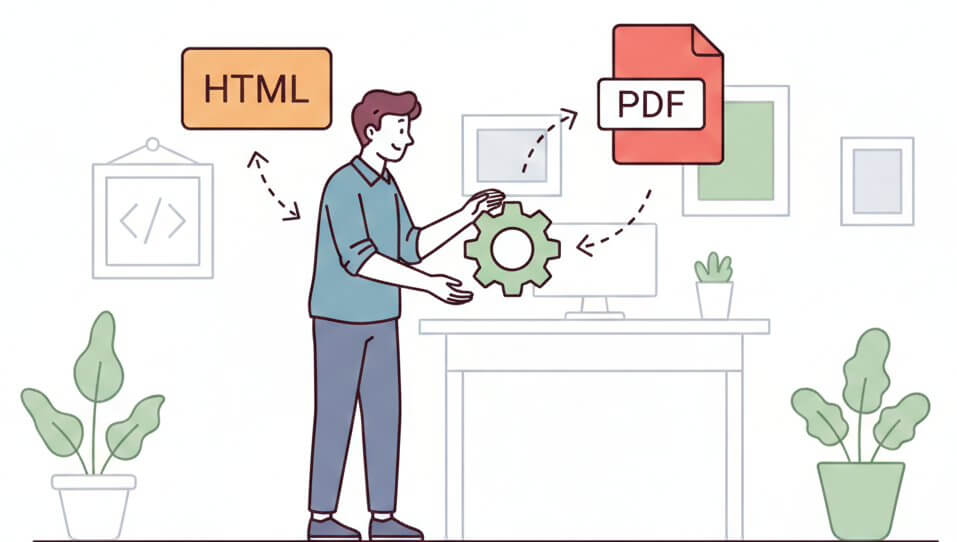
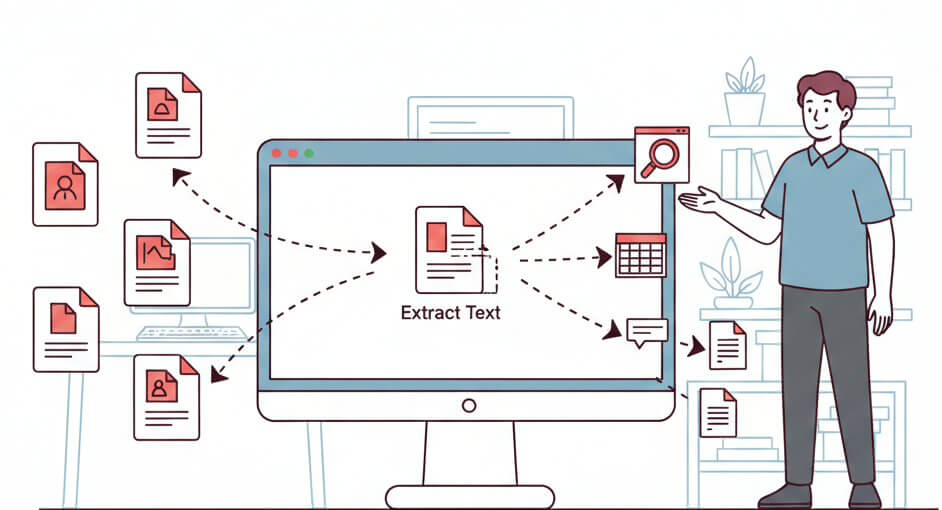

Still Managing PDFs Manually? It’s Time to Automate.
Use APITemplate to automate bulk invoices, reports, and certificates from reusable templates, raw HTML, or URLs. Integrate with Zapier, Make.com, n8n, or REST API.